A prompt with direction
Shape composition, atmosphere, camera details, and the elements that matter to your project.
LUNERA / IMAGE & VIDEO STUDIO
From an imagined image to a moving story. Create visuals, direct video, build your cast, and bring your clips together in one creative workspace.
Images. Video. Face swaps. A bigger canvas for your imagination.
FROM THE FIRST IDEA TO THE FINAL CUT
Move between still images, video direction, character references, and finishing tools. Follow your idea wherever it takes you.
GIVE YOUR IDEA A FORM
Build your prompt around a subject, mood, and style. Explore cloud image generation with OpenAI, Gemini, or Pollojourney—or work locally through ComfyUI.
Explore the image galleryShape composition, atmosphere, camera details, and the elements that matter to your project.
Try another interpretation without losing the idea you started with. Reference support varies by engine.
Connect your configured ComfyUI workflows for local rendering and image refinement.
PUT YOUR VISION IN MOTION
Start from a prompt or a first-frame image, depending on your engine. Guide the camera move and mood, then plan a scene with visual references.
Seedance · Veo · Kling · WAN · Runway · Luma
Choose a generation engine, describe the scene, and shape the motion in one focused workspace.
Plan a 30-second scene across six timed beats, with actor, background, and prop references.
Review a cloud-video estimate before you commit. Provider accounts, API keys, and usage charges apply.
KEEP YOUR CHARACTERS CLOSE
Save your cast for future scenes and explore one-person or two-person face swaps in images and video through local ComfyUI workflows.
Find local setup guidanceKeep character descriptions and reference images ready to use in your next production.
Select source faces and target positions for your local face-swap workflow.
Carry identity, wardrobe, lighting, and scene instructions into the next prompt. Results depend on the engine and source material.
SHORT CLIPS. BIGGER STORIES.
Assemble up to 120 clips, add a soundtrack, and prepare higher-resolution output with the Mac build’s local finishing tools.
Local 4K & 8K conversion · Optional Topaz AI enhancement
Arrange clips in sequence and join them into a finished project. Total running time follows the clips you select.
Add an audio file, mix it with the original track, adjust volume, or loop it to fit the video.
Resize and encode locally on your Mac. Topaz Precision offers separate paid cloud AI enhancement for segments up to 120 seconds; output size depends on the source.
Cloud engines require your own accounts and credits. Local face swaps require ComfyUI, ReActor, applicable models, and VideoHelperSuite for video. Local resolution conversion resizes existing footage.
EXPLORE THE POSSIBILITIES
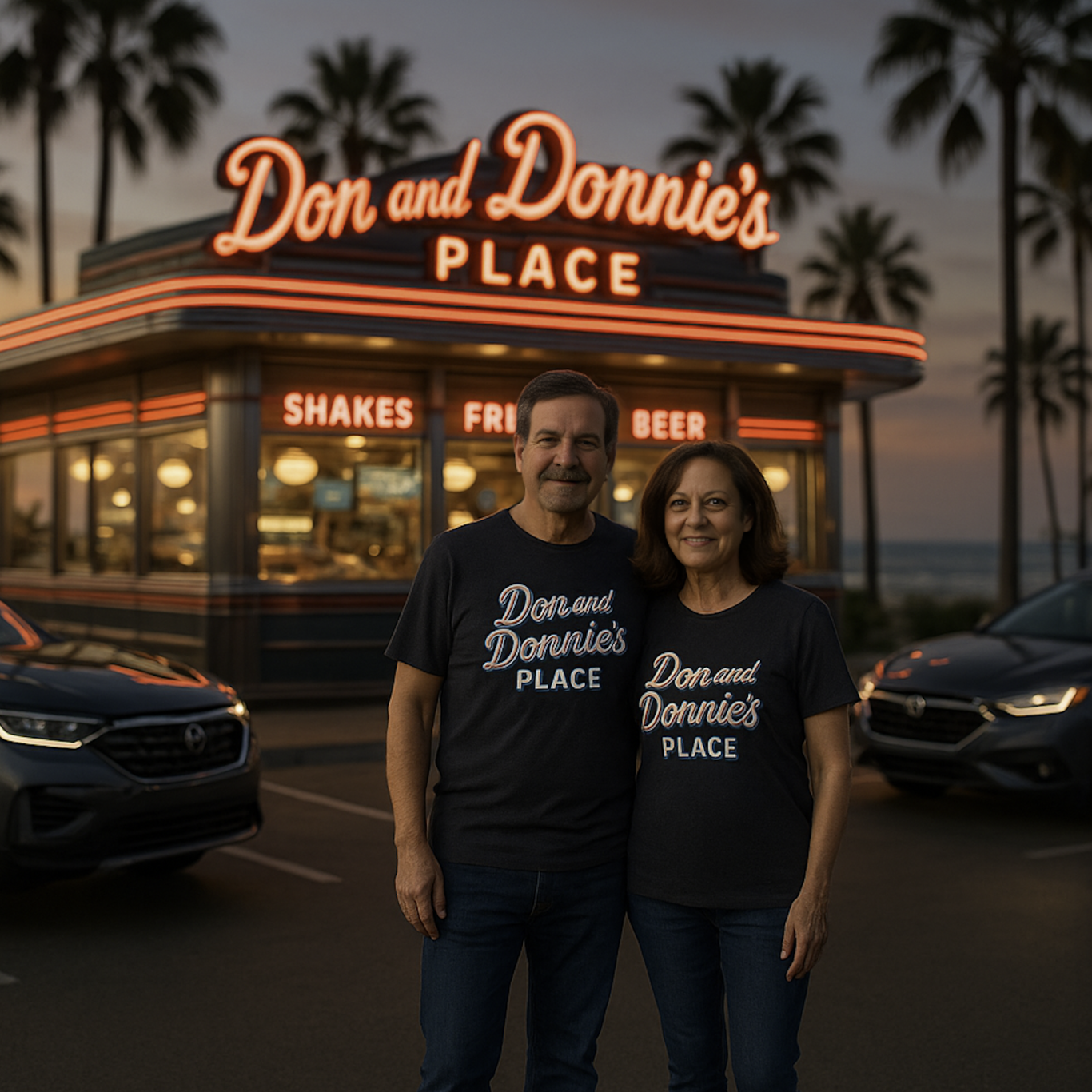
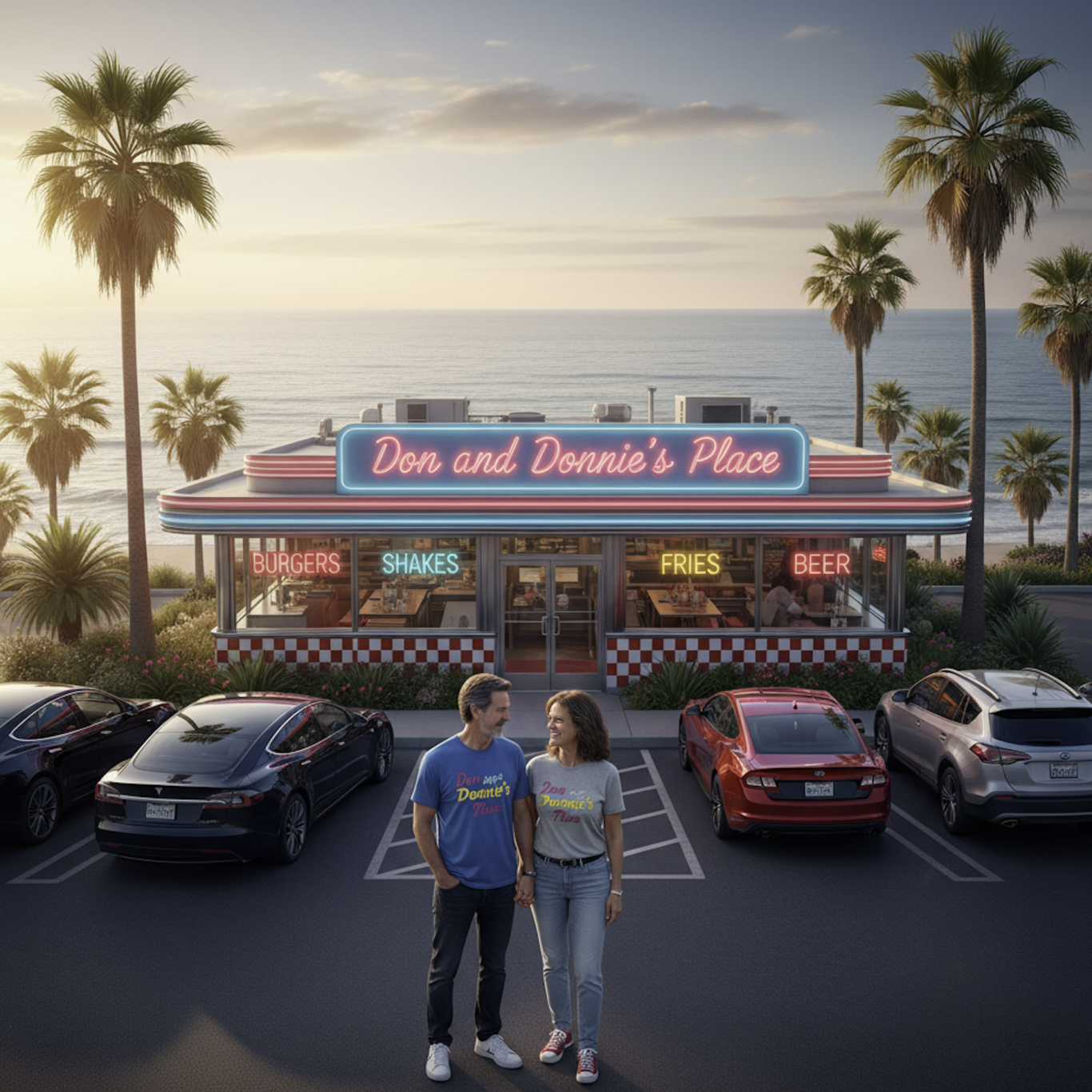
These examples started with the same prompt. Gemini and OpenAI gave the scene different moods and compositions; the faces were then refined with Lunera’s ComfyUI workflow.
YOUR NEXT CREATION STARTS HERE
Find the current Mac and Windows downloads, installation guides, and support in one place.
Video and finishing features shown reflect the Mac build. Cloud provider usage is billed separately.
THE WHOLE SCENEMETHERE COLLECTION
Discover the original Lunera stories and examples, custom merchandise, complete guides, and current downloads.